Get Started (Create or Import Wallet)
Use this page if you are setting up Wallet for the first time.
Create a New Wallet
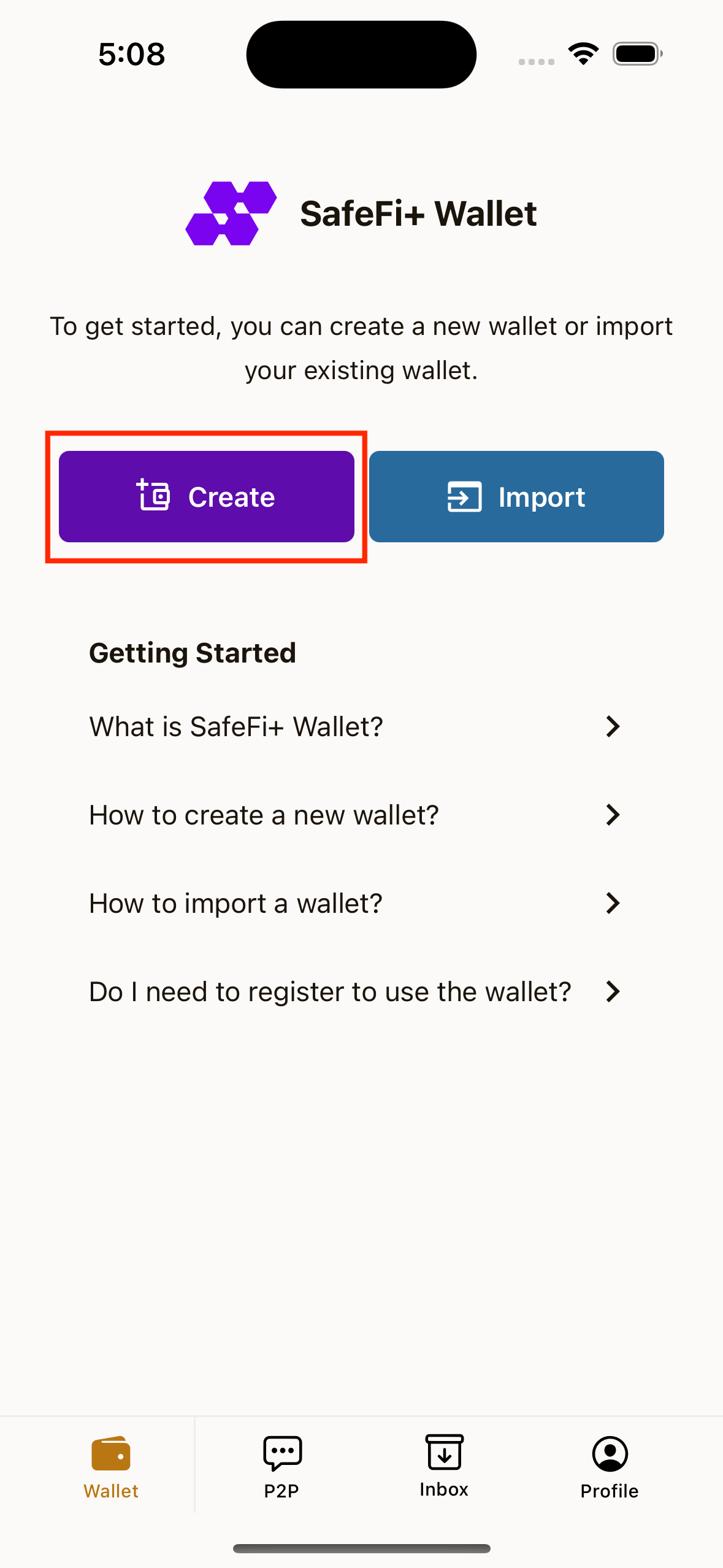
- Open the app and go to the Wallet tab.
- Tap Create.
- Create a 6-digit PIN.
- Confirm the same PIN.
- Wait for wallet creation to finish.
- Review your Seed Phrase carefully.
- Tap Copy Seed Phrase only if needed, then store it in a safe offline place.
- Tap Next.
- Set your wallet name (or keep the default name), then save.
Import an Existing Wallet
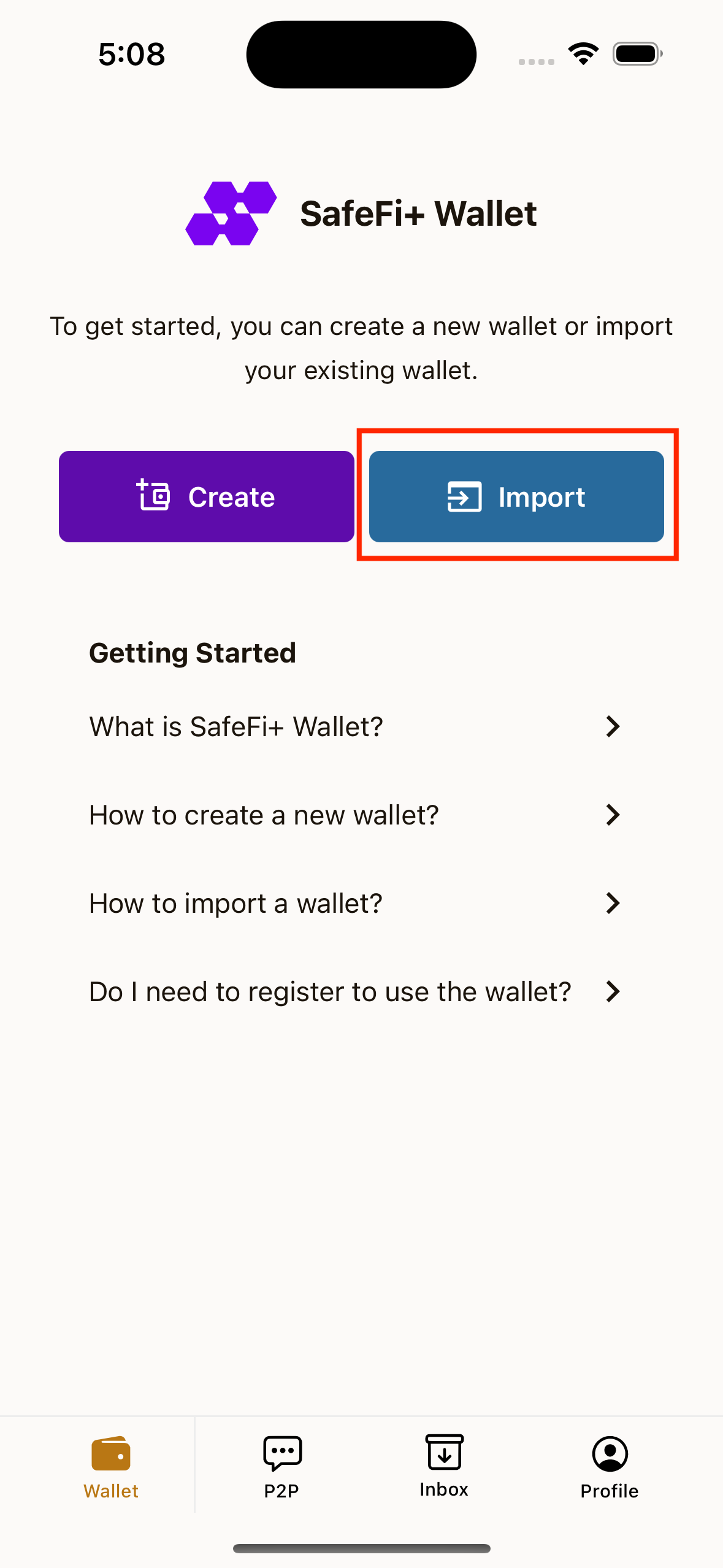
- Go to Wallet tab.
- Tap Import.
- Choose import method:
- Seed Phrase
- Private Key
- Enter your seed phrase/private key.
- Tap Import Wallet.
- Confirm the imported wallet details.
- Tap Next and set a wallet name.
PIN Behavior
- If you already have a Wallet PIN, the app may ask you to enter PIN before sensitive actions.
- PIN is required for actions like viewing wallet secrets and confirming send transactions.
Basic Troubleshooting
- Import failed: Check spacing and spelling of your seed phrase, or check private key format.
- Duplicate wallet warning: The wallet already exists in your wallet list.
- Wrong PIN: Re-enter the correct 6-digit PIN.