P2P Trading Flow
This page explains how a normal P2P trade works from start to finish.
Start a Buy or Sell Transaction
From P2P home, choose one flow:
Buy USDT->I want specific USDTBuy USDT->I have MYR to spendSell USDT->I have USDT to sellSell USDT->I need specific MYR
Enter Amount and Submit
- Enter the requested amount.
- Tap
Submit. - Review the confirmation sheet.
- Tap
Confirm.
If your account is not ready, you may see:
Requires Loginif you are not signed in- Verification error if email/eKYC is incomplete
Track Your Transactions
After creating a transaction, monitor it from:
PendingActiveCompletedCancelled
You can also pull down to refresh the list.
Understand Common Statuses
Main statuses you may see:
Pending: waiting for rate or waiting for your confirmationActive: transaction is ongoing in chatCompleted: finished successfullyCancelled: ended by you or by admin
Additional statuses may appear in details, such as:
In TransactionIgnoredExpired
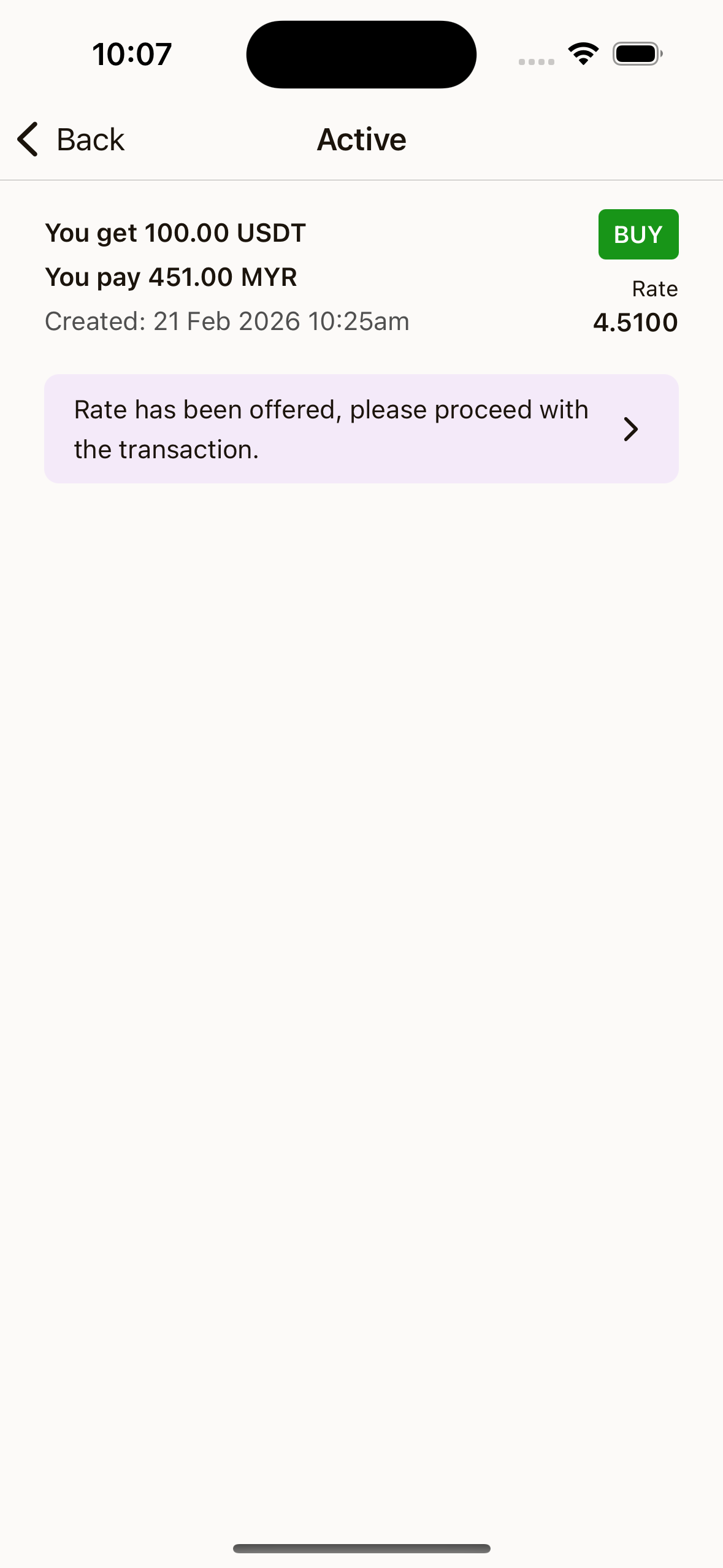
Open a Transaction
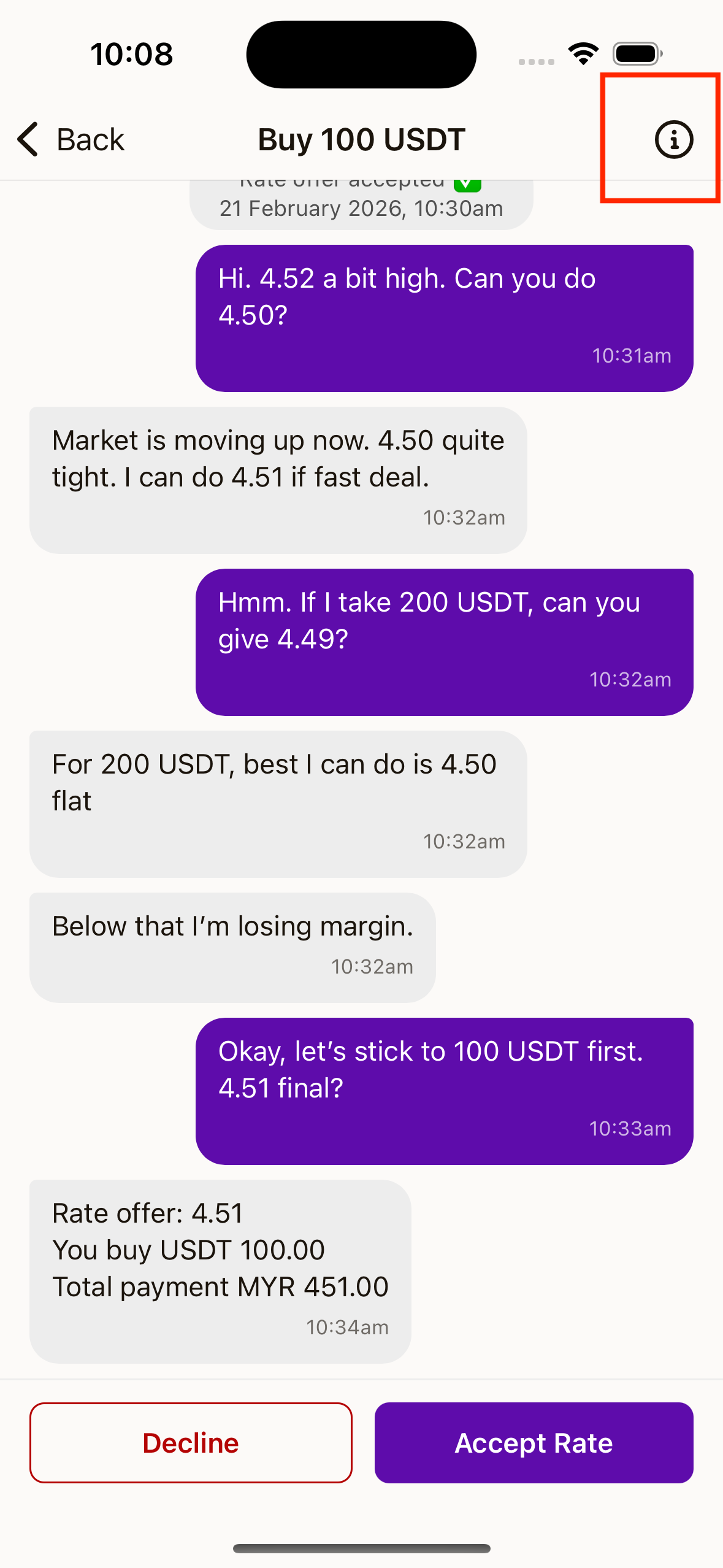
- Tap a transaction item to open chat.
- Tap the info icon on top right to open
Transaction Details. - In details, review reference number, buy/sell type, give/get amounts, rate, and timestamps.
Cancel a Transaction
You can cancel in two common ways:
- In transaction list, long press an item and choose cancel
- In
Transaction Details, tapCancel Transaction
Then confirm cancellation in the bottom sheet.