P2P Overview
SafeFi+ P2P lets you buy or sell USDT directly in the app.
You can use P2P to:
- Buy USDT using MYR
- Sell USDT and receive MYR
- Track each transaction in real time
- Chat with the counterparty/admin inside the transaction room
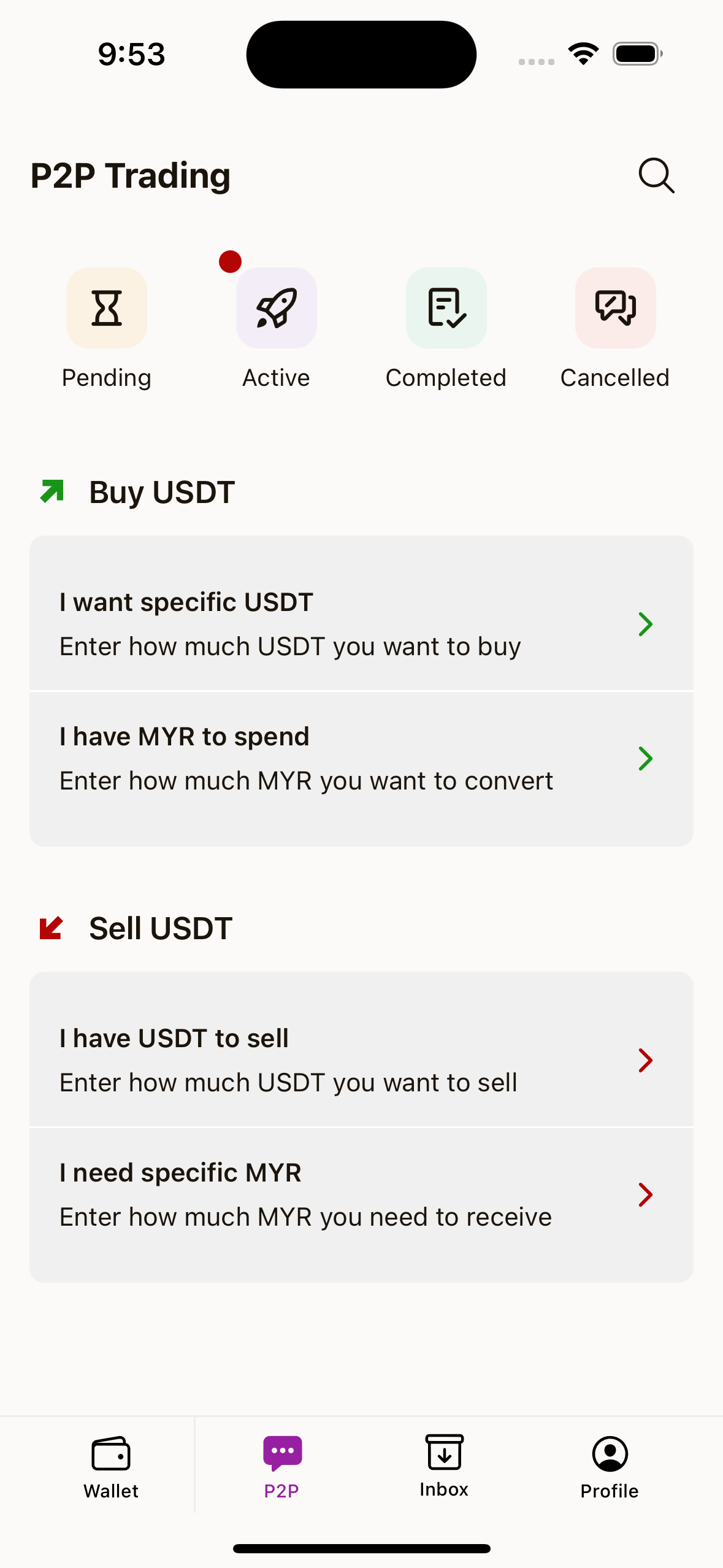
What You See on the P2P Home Screen
The P2P home screen includes:
Buy USDTsectionSell USDTsection- Quick status shortcuts:
Pending,Active,Completed,Cancelled - Search button for transactions
Before You Start Trading
To create and continue a P2P transaction smoothly, make sure you have:
- A logged-in account
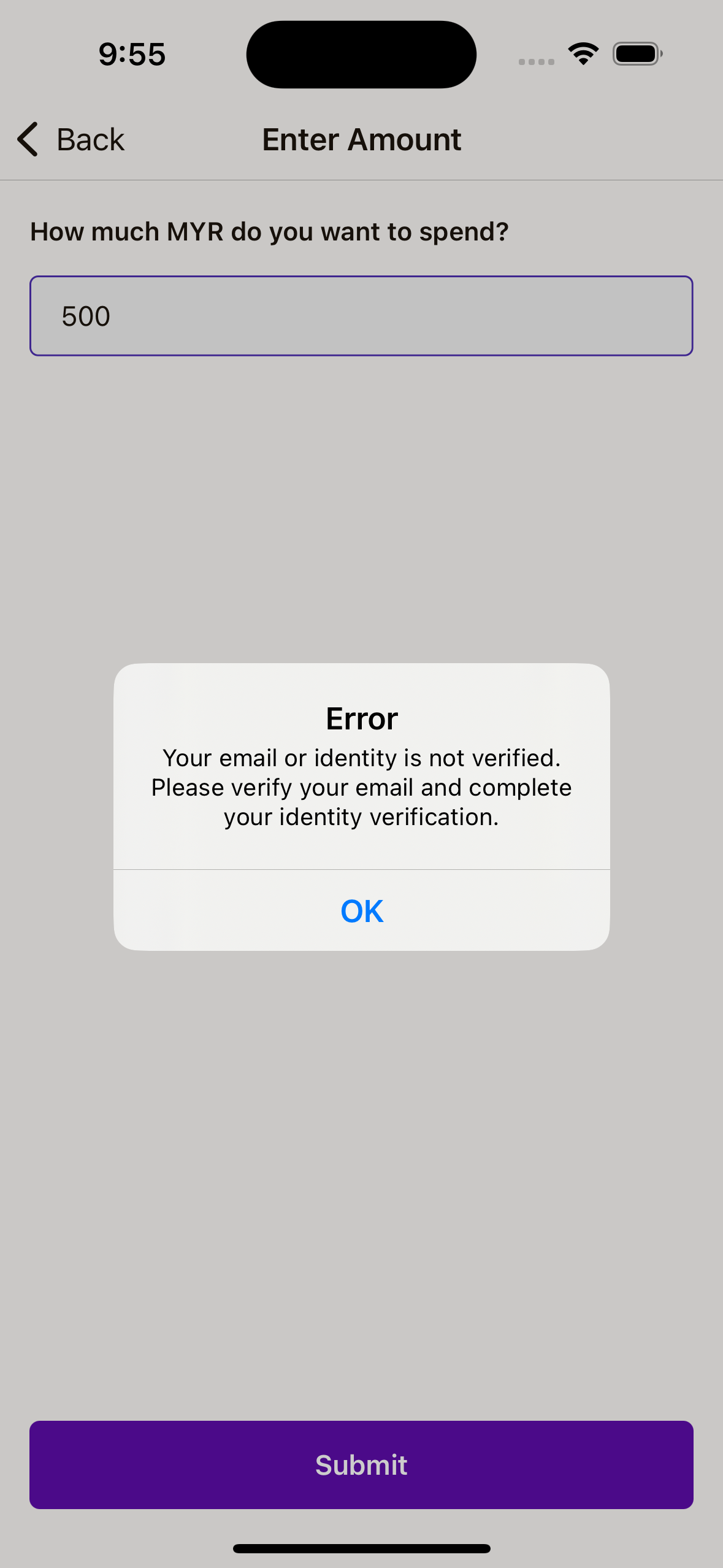
- Verified email
- Completed identity verification (eKYC)
If verification is incomplete, the app will block transaction creation and ask you to complete verification first.
Important Safety Reminder
- Only follow instructions inside official SafeFi+ transaction chat.
- Double-check amount, currency, and rate before confirming.
- Never share account passwords or wallet secrets in chat.