P2P Account, Login, and Sign Up
This page explains how to prepare your account before using P2P.
Create a New Account (Sign Up)
- Open the app and go to the
Profiletab. - Tap
Create account. - Fill in username, email address, password, confirm password, and referral code.
- Tick
I agree to the Terms and Conditions. - Tap
Create Account.
Password rules:
- Minimum 8 characters
- Must include letters
- Must include numbers
- Must include at least one symbol
Sign In (Login)
- Open
Profiletab. - Enter your email and password.
- Tap
Login.
You can also use:
Forgot password?to request reset linkCreate accountif you do not have an account yet
Verify Email
After registration or when prompted:
- Open
Verify Email. - Enter the 6-digit OTP sent to your email.
- Tap
Verify. - If needed, use
Resend.
Complete Identity Verification (eKYC)
P2P trading requires identity verification.
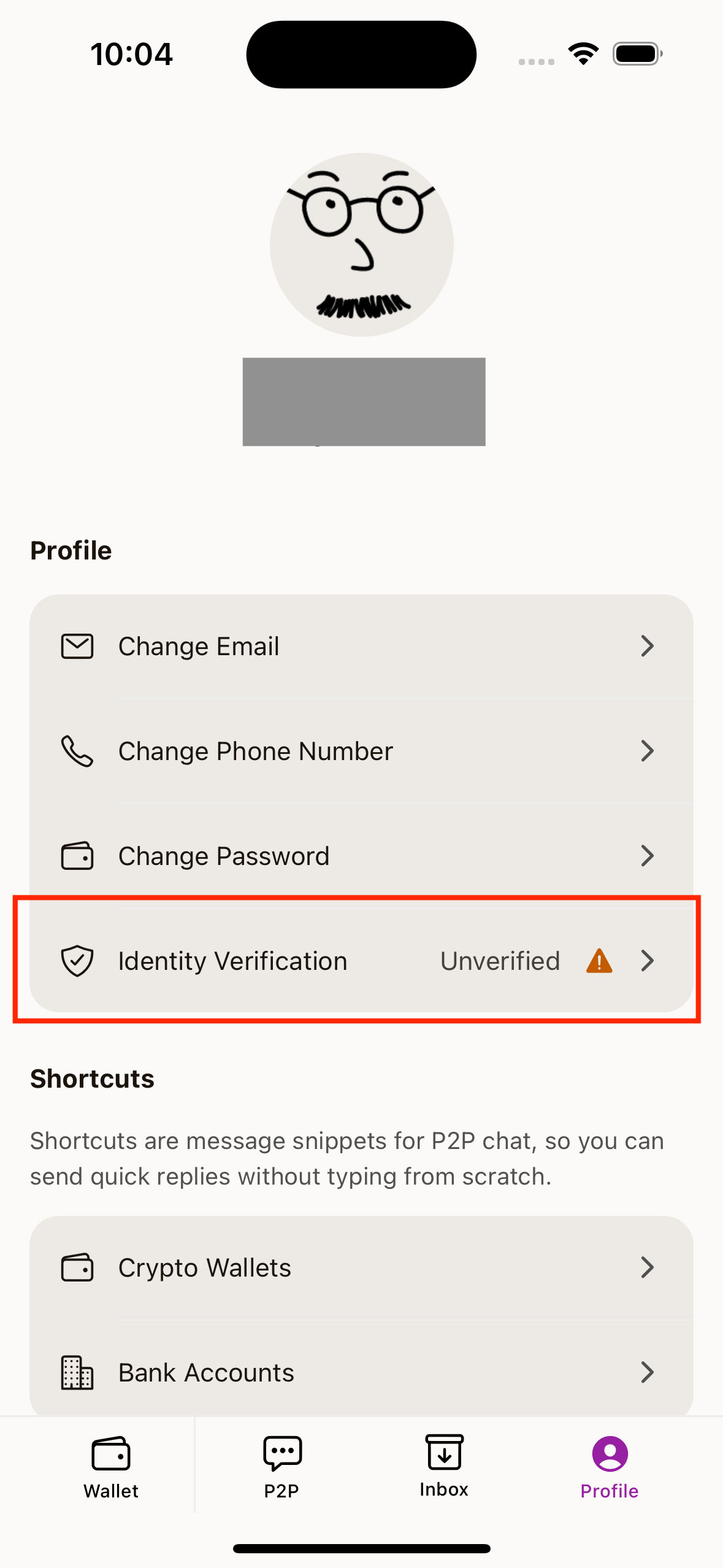
- Go to
Profile. - Open
Identity Verification. - Fill your details (full name, phone number, NRIC/ID number, and nationality).
- Capture ID card (front).
- Capture selfie with ID card.
- Tap
Submit for Verification.
After submission, your status will be reviewed.
Forgot Password
- Tap
Forgot password?from login screen. - Enter your email.
- Tap
Send Reset Link. - Follow instructions sent to your email.
When Login Is Required During P2P
If you start a trade without login, the app shows Requires Login and asks you to sign in first.